Designed for your business and your people
Simple tools, easy to use, and made to help you grow your way.
- Quick to configure
- Easy to use
- Made for the pace here



Organize your business in one place. Receive orders, configure delivery zones, manage deliveries, bookings, and events with the support of an AI Assistant. You keep 100% of every sale.


From Santiago de los Caballeros to the world
Everything your business needs
Solutions designed for how we work, sell, and buy.
Simple tools, easy to use, and made to help you grow your way.
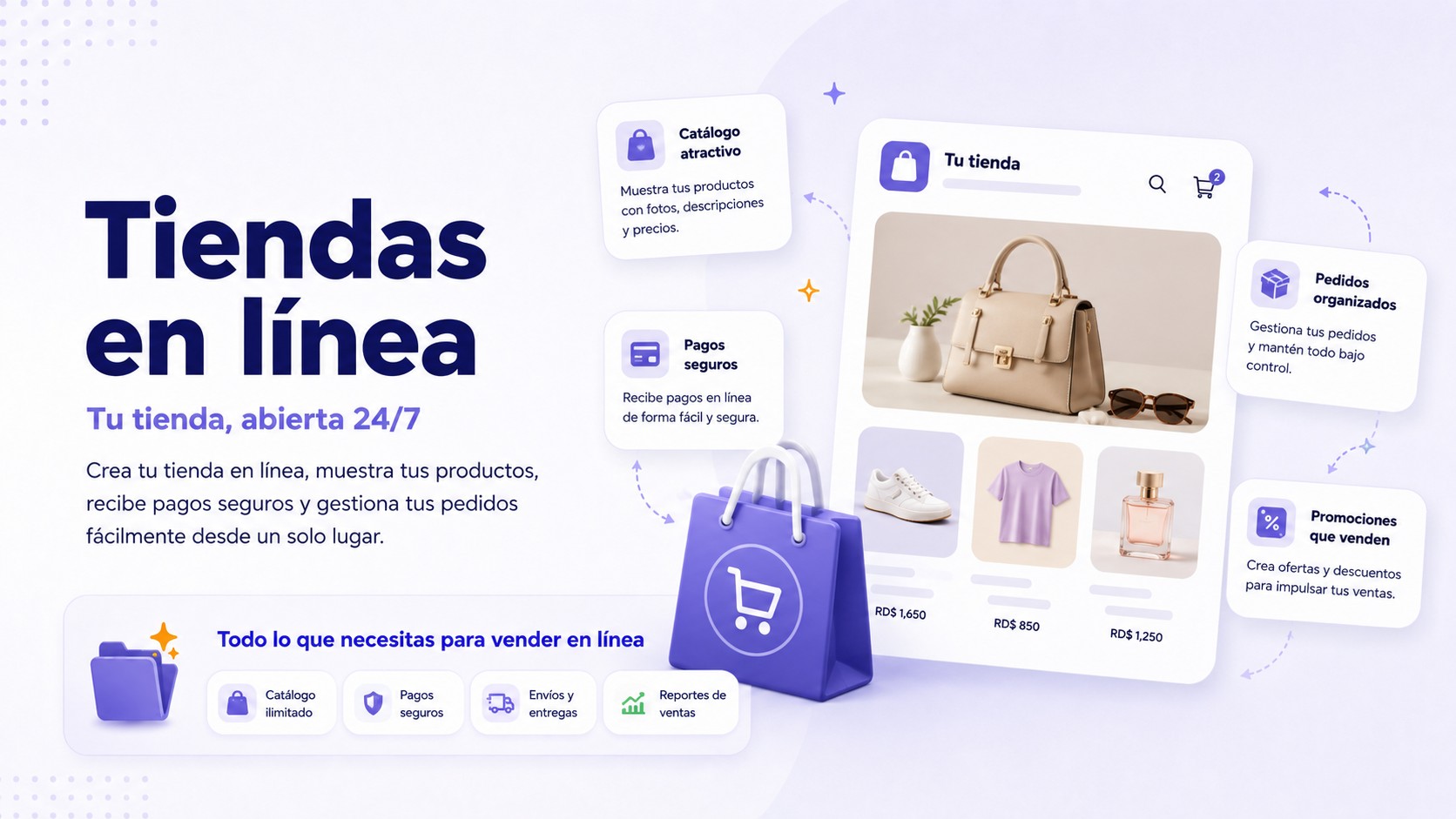
Sell your products, manage inventory, and receive payments easily.
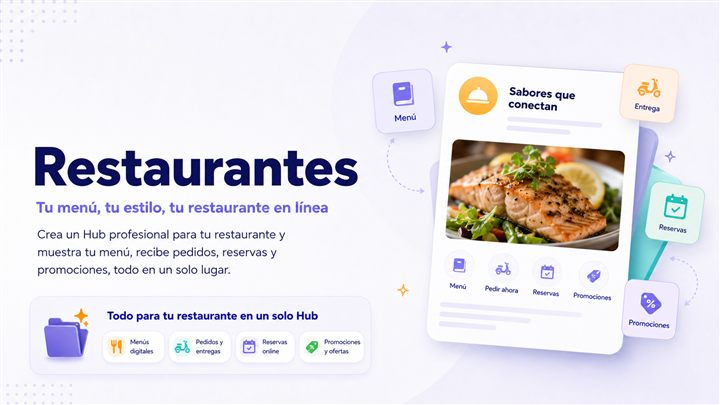
Digital menu, online orders, and delivery under control.
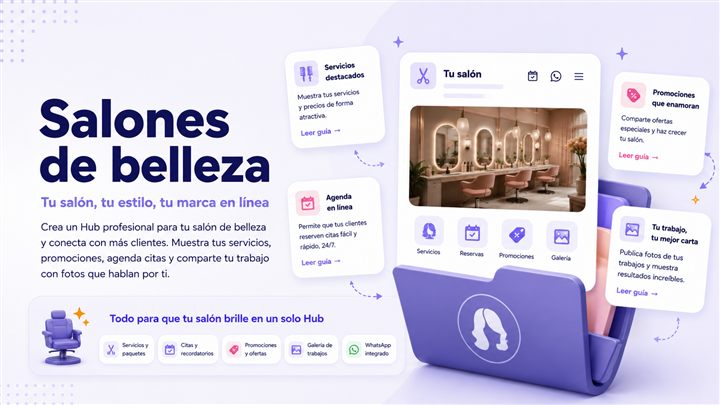
Automatic bookings, reminders, and customer management.
Promote, sell, send tickets, and manage entry from your phone.
Choose the plan that fits your needs and start growing today.
Start, test, learn, and even launch your business until you grow.
For growing creators
Full delegation and results
Scalability for companies
See how local businesses use TinyAll in everyday situations, without changing the way they already sell.
Stores and commerce
WITHOUT TINYALL
Incomplete, messy orders
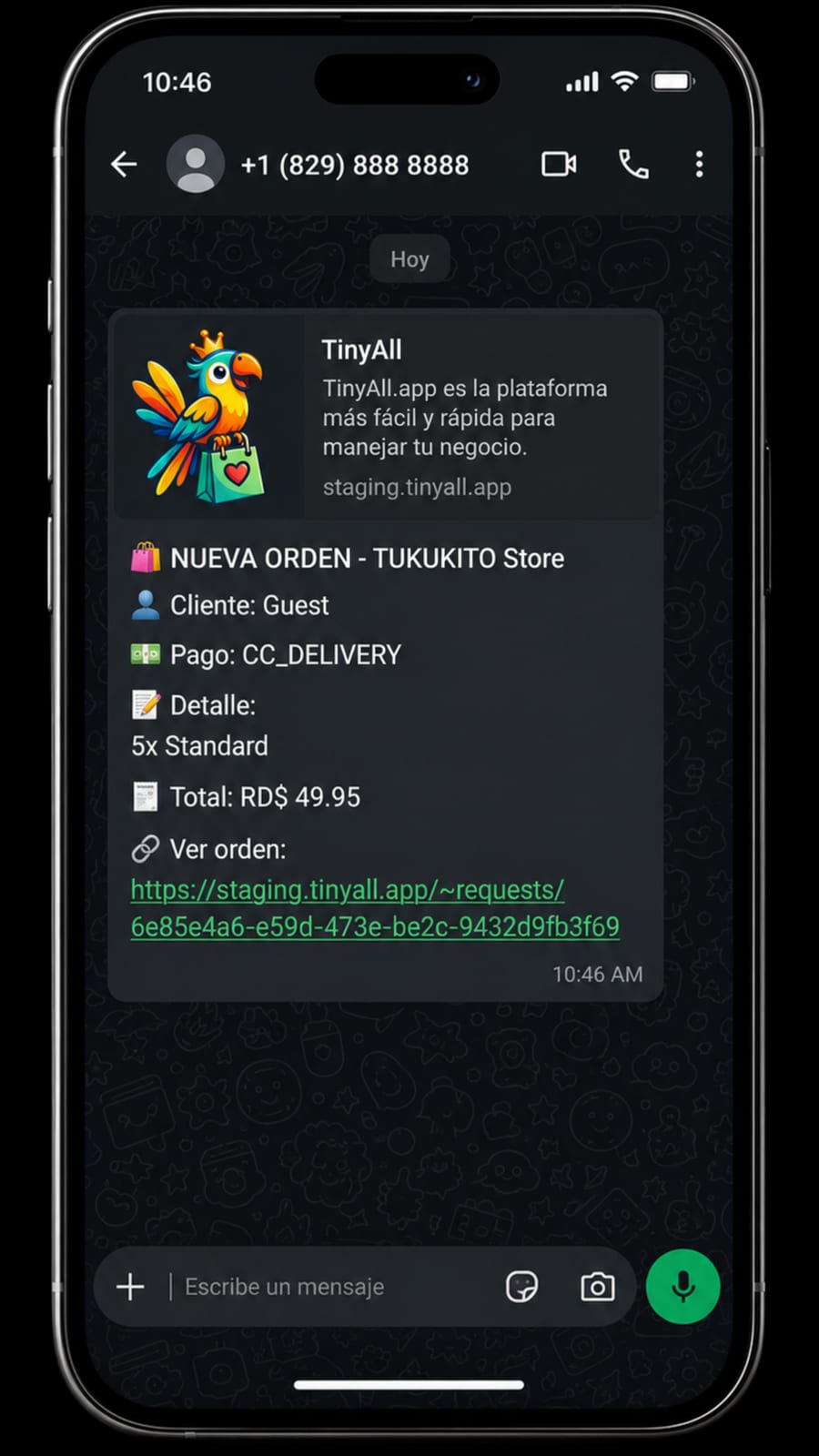
WITH TINYALL
Cart + ready-to-send summary
The customer builds the order and TinyAll prepares the WhatsApp message.
WITHOUT TINYALL
Endless chat orders, mistakes on tickets, and customers waiting too long.
VS
WITH TINYALL
A lightweight cart that sends a perfectly formatted WhatsApp message.
Events
WITHOUT TINYALL
Manual tickets and paper lists
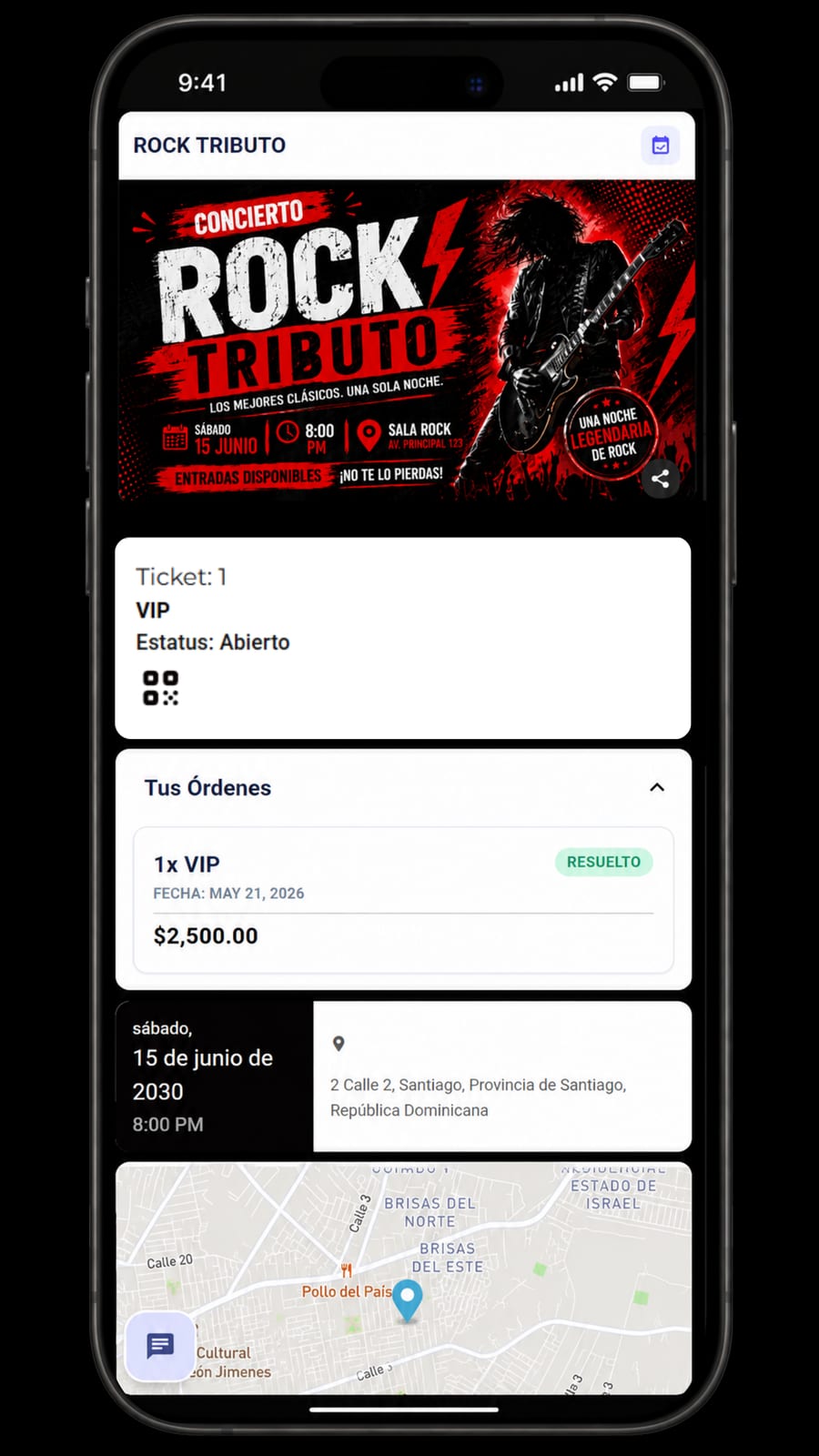
WITH TINYALL
Digital tickets + QR check-in
Each ticket has its own QR and can be validated from a phone.
WITHOUT TINYALL
Manual tickets, paper lists, and slow validation at the door.
VS
WITH TINYALL
Automatic unique QR issuance. Fast validation from any phone.
Flash commerce
WITHOUT TINYALL
Scattered, outdated information
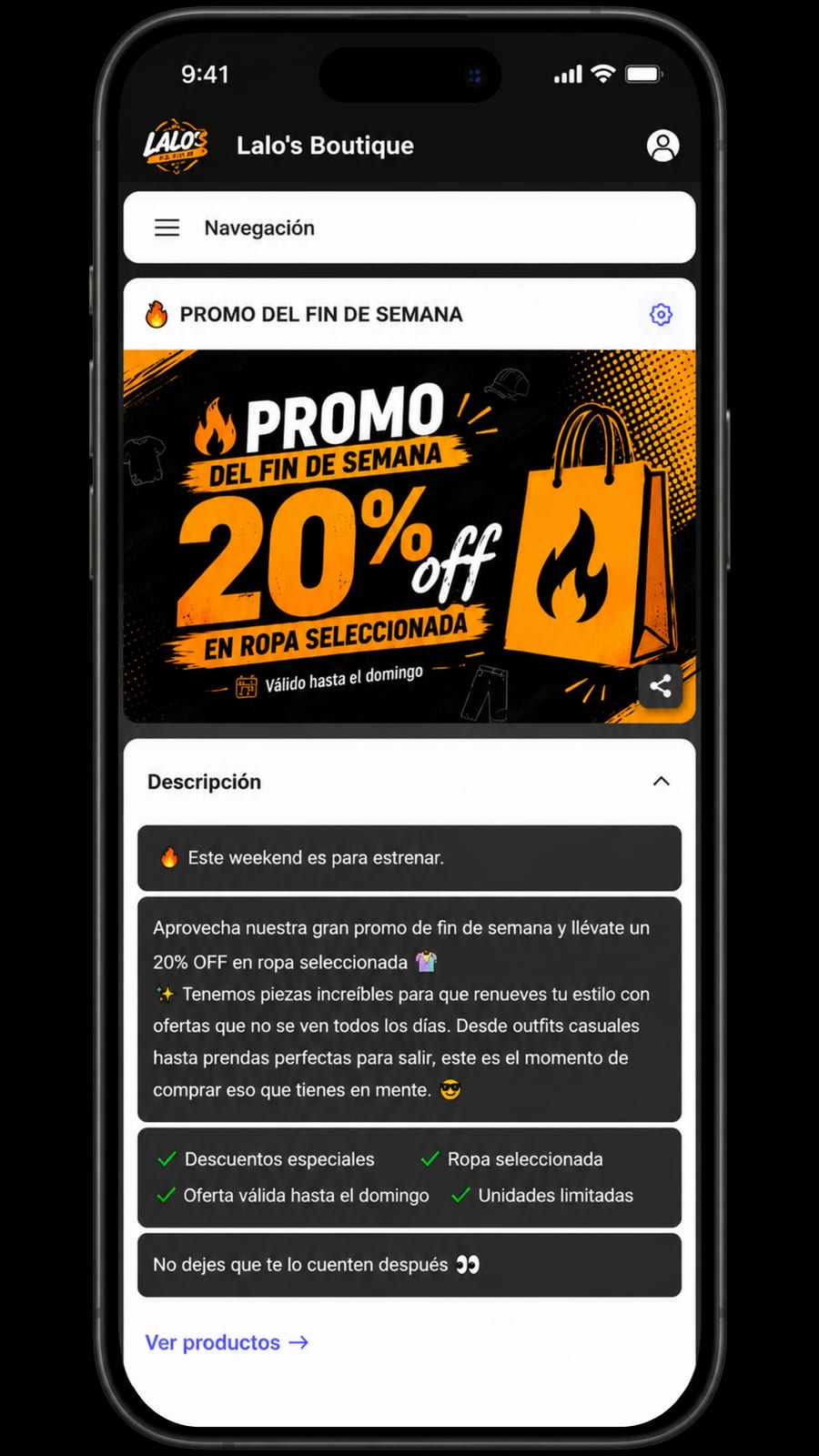
WITH TINYALL
Promos visible on your Hub and easy to share
Publish an offer, share it, and keep the details up to date.
WITHOUT TINYALL
Repeated questions about discounts, products, and promo end dates.
VS
WITH TINYALL
Ultra-fast no-code editor. Change stock and offers from your own phone.
Multi-location
WITHOUT TINYALL
Different catalogs and confusion
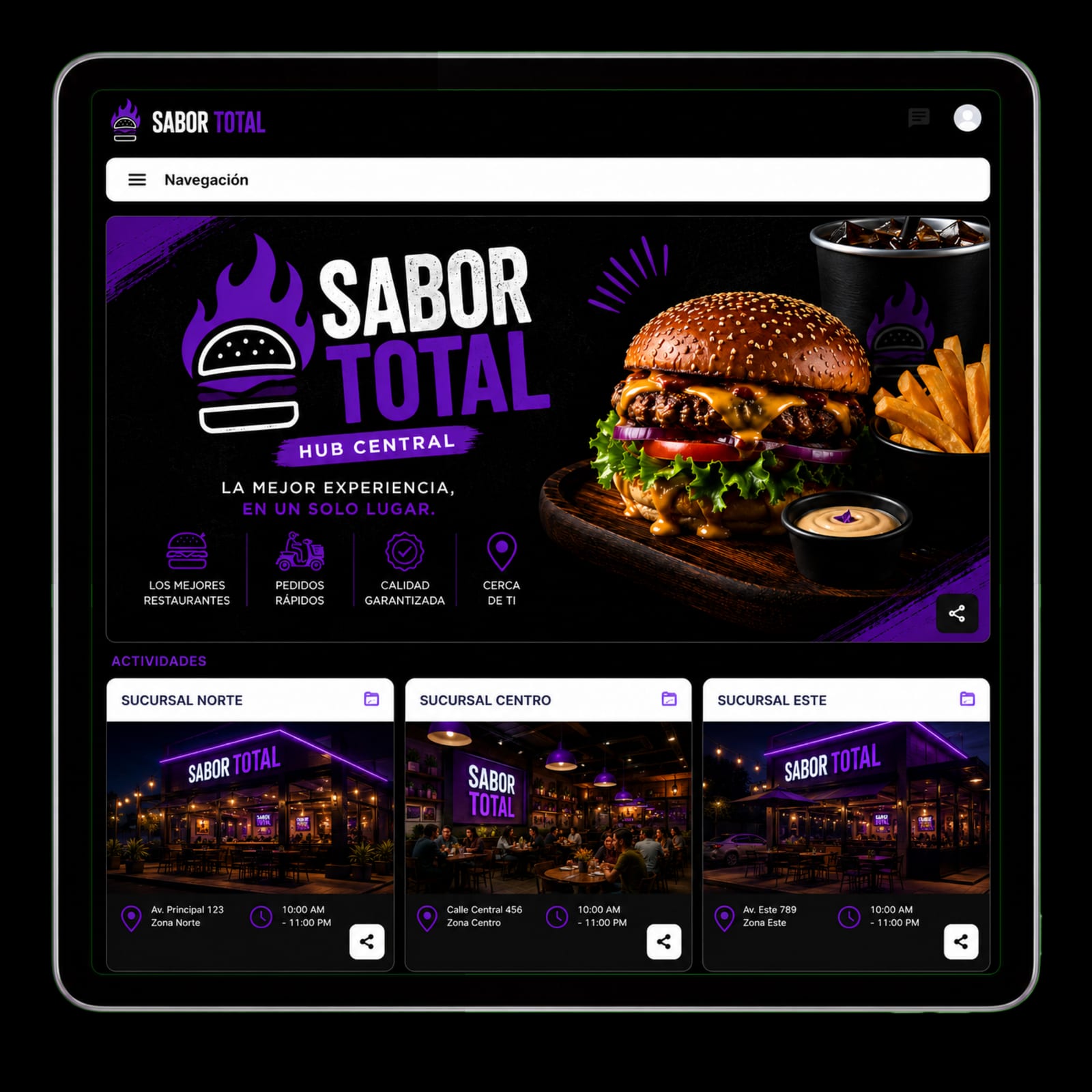
WITH TINYALL
One Hub per location, all organized
Each location shows its info, offers, and availability in one place.
WITHOUT TINYALL
Having to tell the customer that product is not available at this location.
VS
WITH TINYALL
Organize multiple locations under a clear, professional experience for your customers.
Let artificial intelligence answer frequent questions and close sales for you while you focus on growing.
Online
Hi! Yes, it is available. I can take you straight to the product so you can reserve it or complete your order.
Want me to add it to your order? I can send you the payment link.
INTEGRATED DELIVERY
Organize delivery zones, rates, orders, and drivers. No percentages on your sales value.
Define the areas where you deliver and assign a specific shipping cost to each zone.
Manage your own drivers or connect with available couriers through the TinyAll network.
Receive products, address, zone, delivery cost, and customer data in a clear order ready to prepare.
Fewer questions, fewer errors, and more control over every delivery.
View plans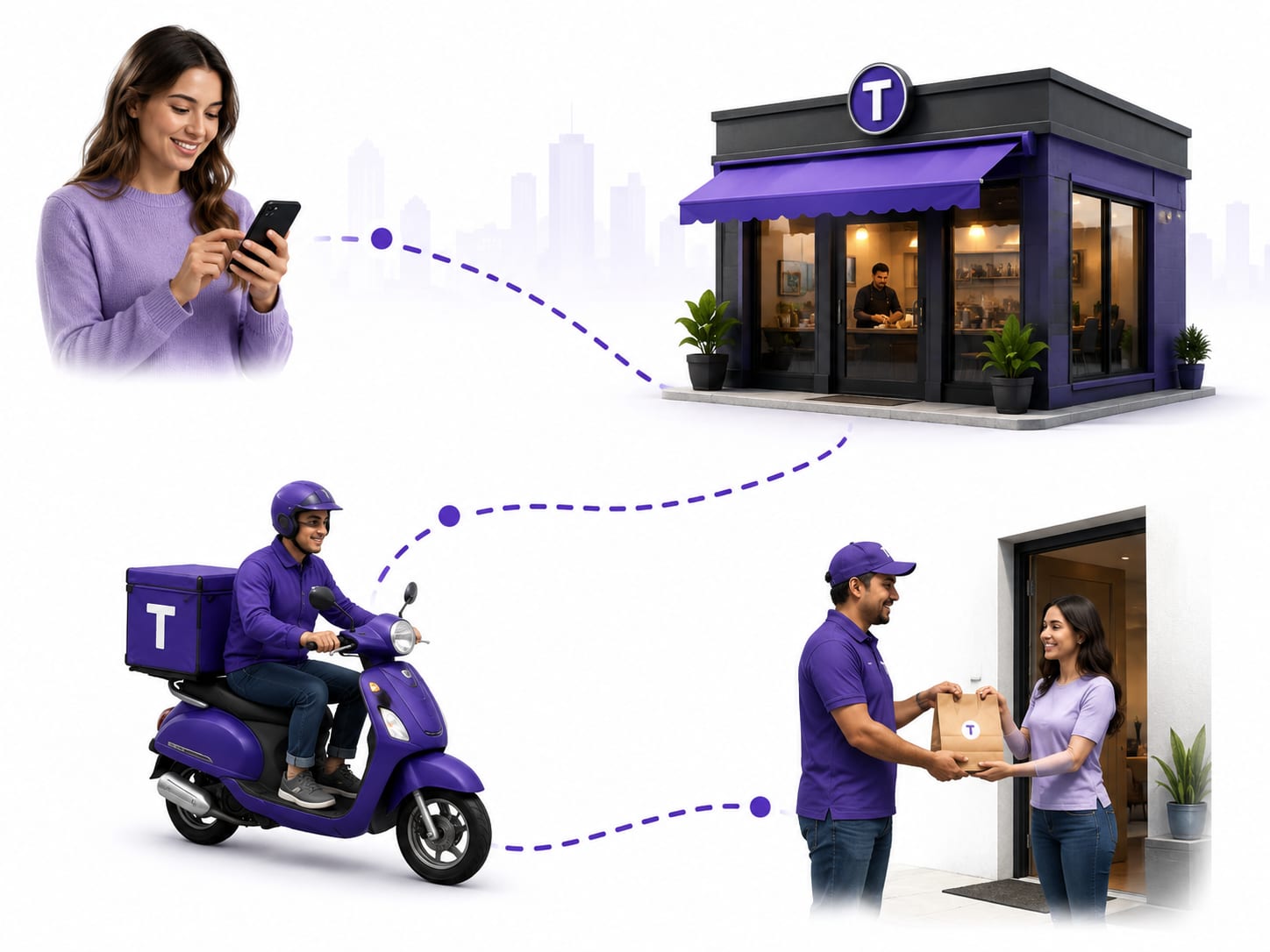
FROM ORDER TO DELIVERY
A simple flow for your customers, an organized operation for your business.
They explore your menu or store and add the products they want to buy.
Select Delivery, Pickup, or Dine-in.
The customer enters their address and selects the zone to calculate the delivery fee.
The system automatically calculates the fee based on the selected zone.
The order arrives organized and ready to prepare, assign, and dispatch.
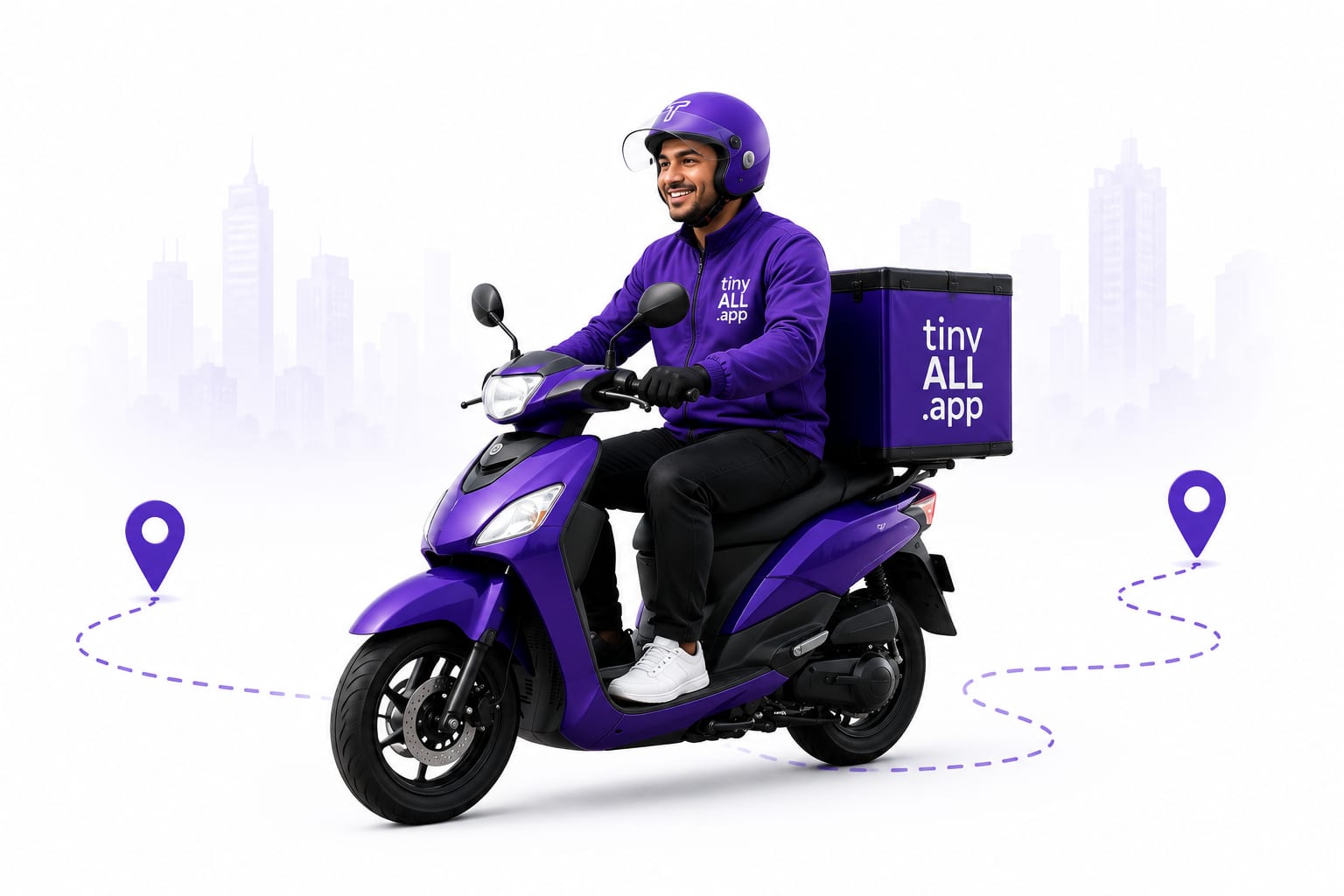
Use your own drivers, paired local couriers, or the TinyAll delivery network.
Prepare the order and assign it to the selected courier.
The courier delivers the order to the customer.
The customer shares a PIN to confirm they received the order.
Premium & Royal
Control your operation in real time from Android.
Practical plays you can run this week—no agency, no guesswork. Pick a tactic, follow the steps, and measure what changes.
Stop resending photos and price lists. Share a single link that always shows your current menu and ordering flow.
Your Instagram bio should not dead-end on a static page. Route followers to order, book, or buy in two taps.
Run a simple A/B on headline and price for one hero product. Learn what converts before you spend on promotion.
Urgency works when the offer is easy to complete. Pair a clear deadline with a pre-built cart on your Hub.
Repeat revenue beats cold traffic. Re-open the conversation with a relevant offer, not a generic blast.
When volume spikes, structured orders beat free-form messages. Let customers self-serve while you fulfill.
Growing past one site means repeating playbooks, not reinventing menus. Standardize the Hub structure first.
Better visuals lift conversion more than discounting. Focus on your top five sellers first.
Statuses get views; make each one shoppable with a consistent link instead of “DM for price.”
Stories disappear, but the habit sticks. Use a link sticker on every product story during launch week.
Demos, tutorials, and guides to configure your Hub faster, plus support links when you need them.
FEATURED TUTORIAL
Create your Hub, add your menu, and receive your first orders in minutes.
Strategies to attract more customers and sell every day.
Read guideIdeas and promo examples that can increase sales.
Read guideImprove your visibility and show up when customers search.
Read guideOrganize conversations and turn them into sales.
Read guideLearn to create photos and content that attract customers and sell more.
Read guideOur team is ready to help when you need it.
Our support team is available to help with your questions.
Find answers to the most common questions about how our platform helps optimize your sales and automate your business processes.
Selling exclusively through WhatsApp often means constantly answering questions, manually guiding customers, and spending valuable time on repetitive tasks. TinyAll.app improves this process by allowing customers to browse your products or services, place orders, complete important details, and receive fast AI-powered assistance independently. This gives you more freedom to focus on growing your business while the platform streamlines much of your digital sales process.
If your current website already offers advanced sales functionality, multiple payment methods, fast updates, automation, and excellent customer experience, you may already have a strong solution. However, many websites require developers, costly maintenance, and more complex management. TinyAll.app provides a faster, more flexible, and more affordable alternative that centralizes sales, promotions, customer service, and business operations into one platform.
TinyAll.app was built to simplify digital business management as much as possible. The platform is designed to help you quickly set up, manage, and update your business with minimal technical knowledge, even directly from your phone. We also provide educational resources, tutorials, and support to help you learn the system efficiently.
Many platforms only solve one part of the business equation, such as generating WhatsApp orders, building online stores, or providing informational pages. TinyAll.app combines multiple tools into one complete platform, including stores, menus, reservations, events, promotions, forms, and AI assistance. This allows businesses to create a more powerful and professional digital presence without relying on multiple third-party services or expensive development.
Yes. TinyAll.app lets you configure delivery zones, set delivery fees, offer pickup or delivery, and manage incoming orders from one place. You can also use your own drivers or connect with the TinyAll delivery network where available.
No. TinyAll does not charge a percentage of your sales. Instead, there is a fixed RD$10 service fee per order, regardless of the order total.
You can create multiple delivery zones and assign a different delivery fee to each one. Customers see the delivery cost before confirming their order.
Yes. You can manage and assign orders to your own delivery drivers directly through your operation.
Yes. You can enable delivery, in-store pickup, or dine-in service, depending on how your business operates.
We are here to help. If you need more information, our support team is available to guide you, or you can start your free trial and discover how TinyAll.app can transform your business.